AI and Misinformation Toolkit Essential resources for teaching
This editable classroom resource is designed around AI and Misinformation Toolkit Essential resources for teaching. It supports teaching through structured slides, discussion, and practical reflection so students can build understanding in a clear, manageable way.
Designed for classroom use, this editable presentation supports discussion, reflection, and practical application. Use it for whole-class teaching, advisory, tutoring, cover lessons, or homeschool.
What Students Will Learn or Topics Covered:
– key concepts and vocabulary connected to AI_and_Misinformation_Toolkit_Essential_resources_for_teaching
– how over 90% of teens use AI tools for schoolwork appears in practical or real-world situations
– how to discuss ideas, explain thinking, and justify responses
– how reflection supports deeper understanding and next steps
– how to review learning connected to AI and Misinformation Toolkit Essential resources for teaching and identify next steps
What’s Included:
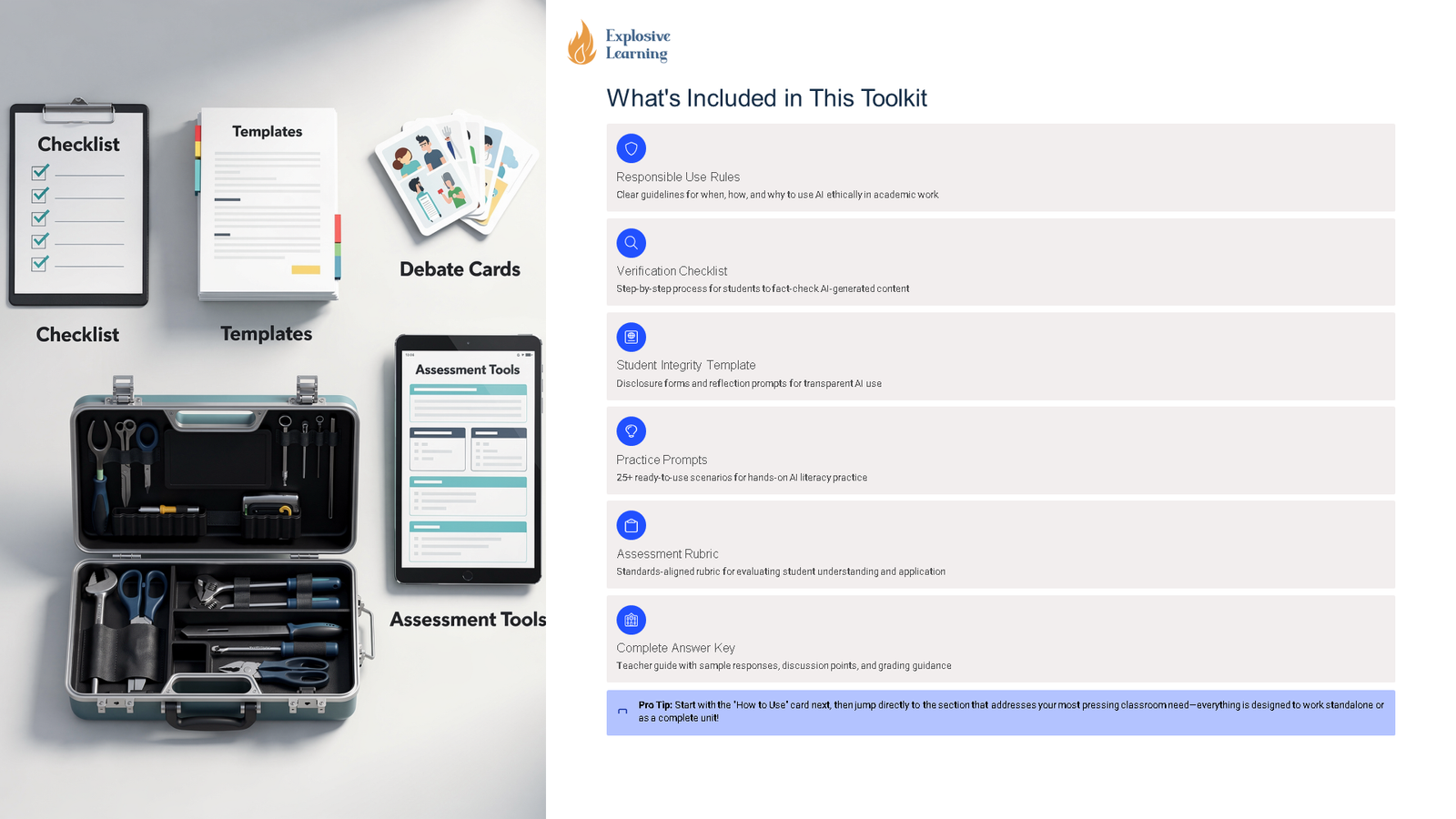
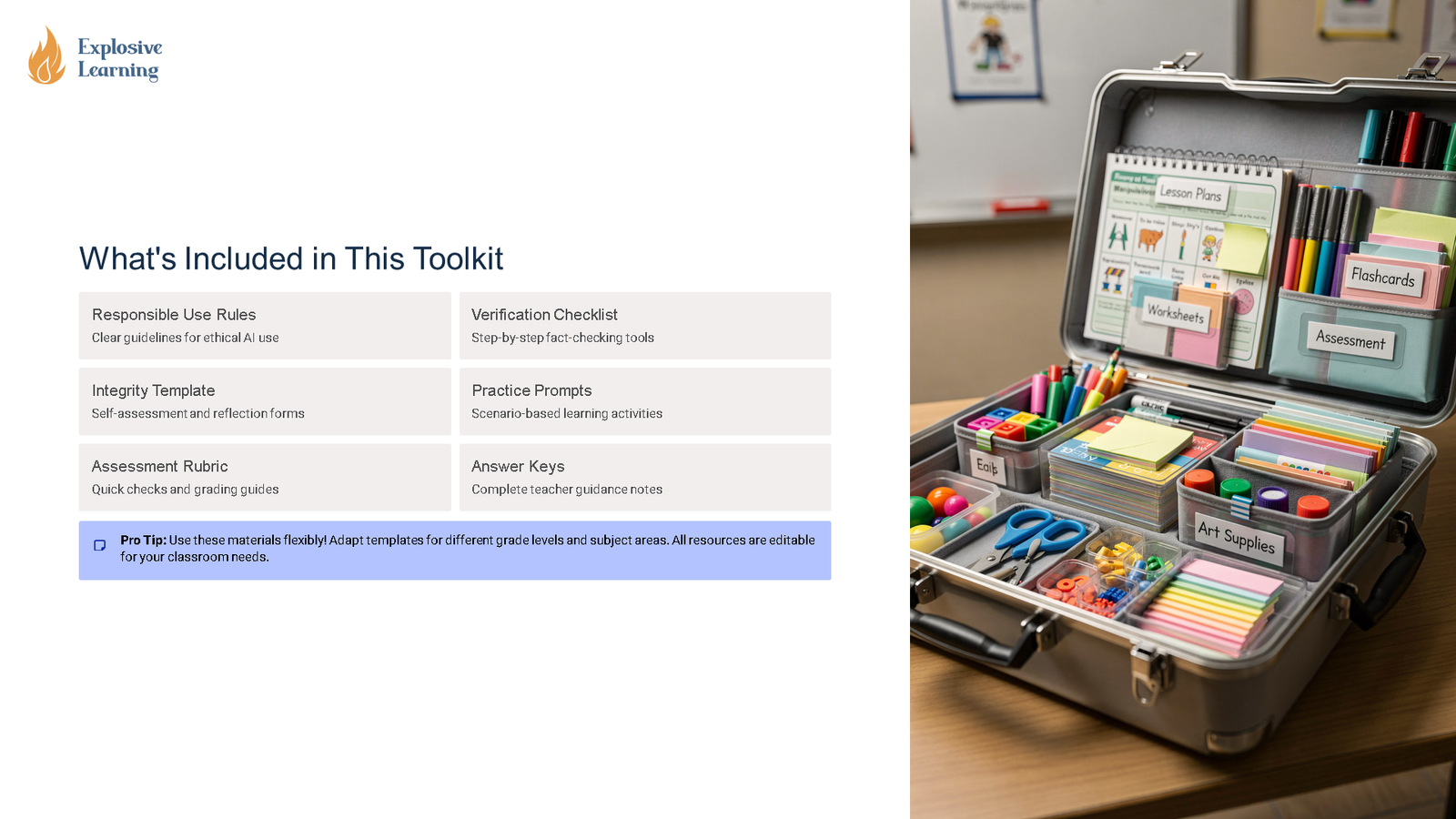
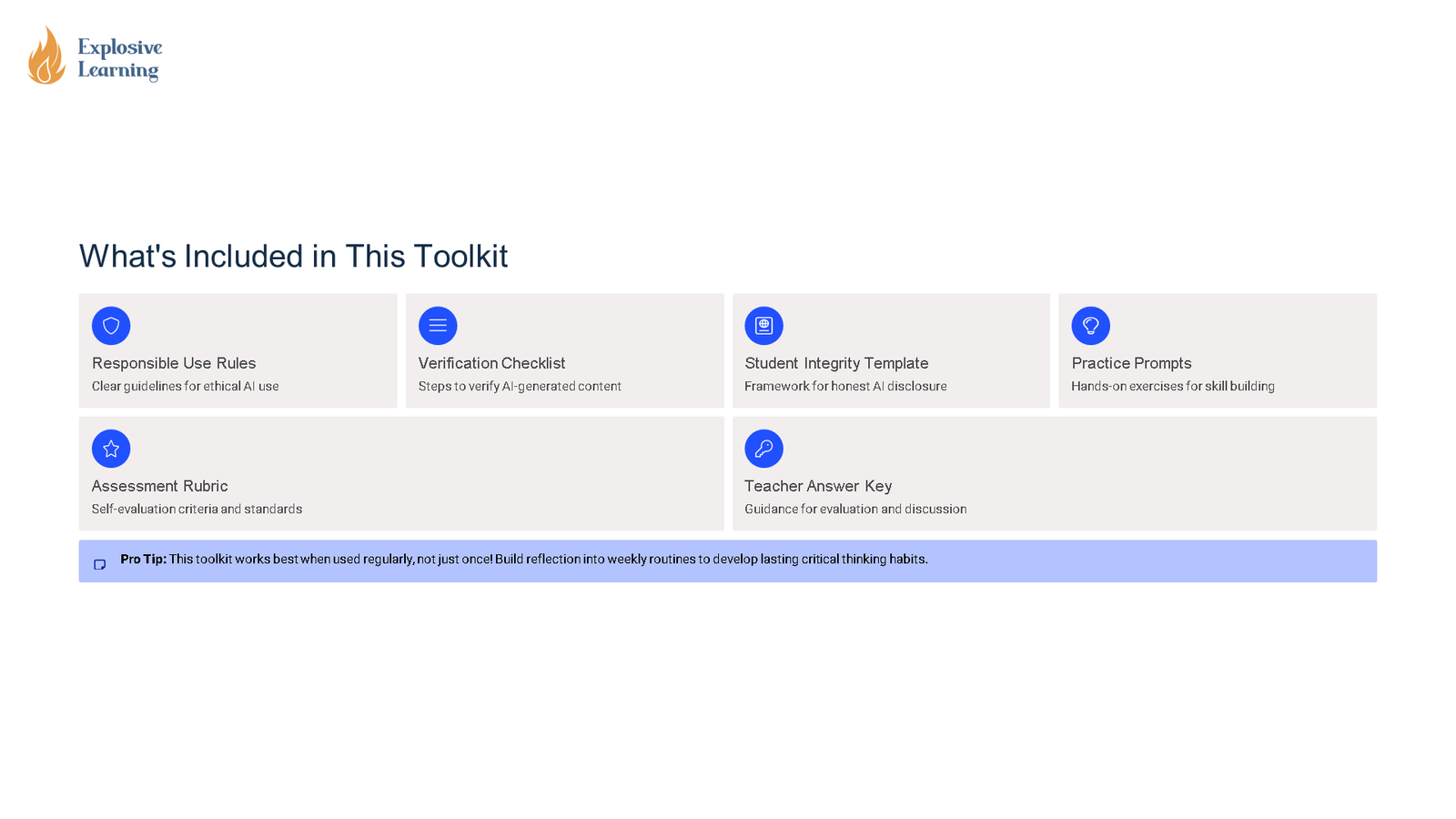
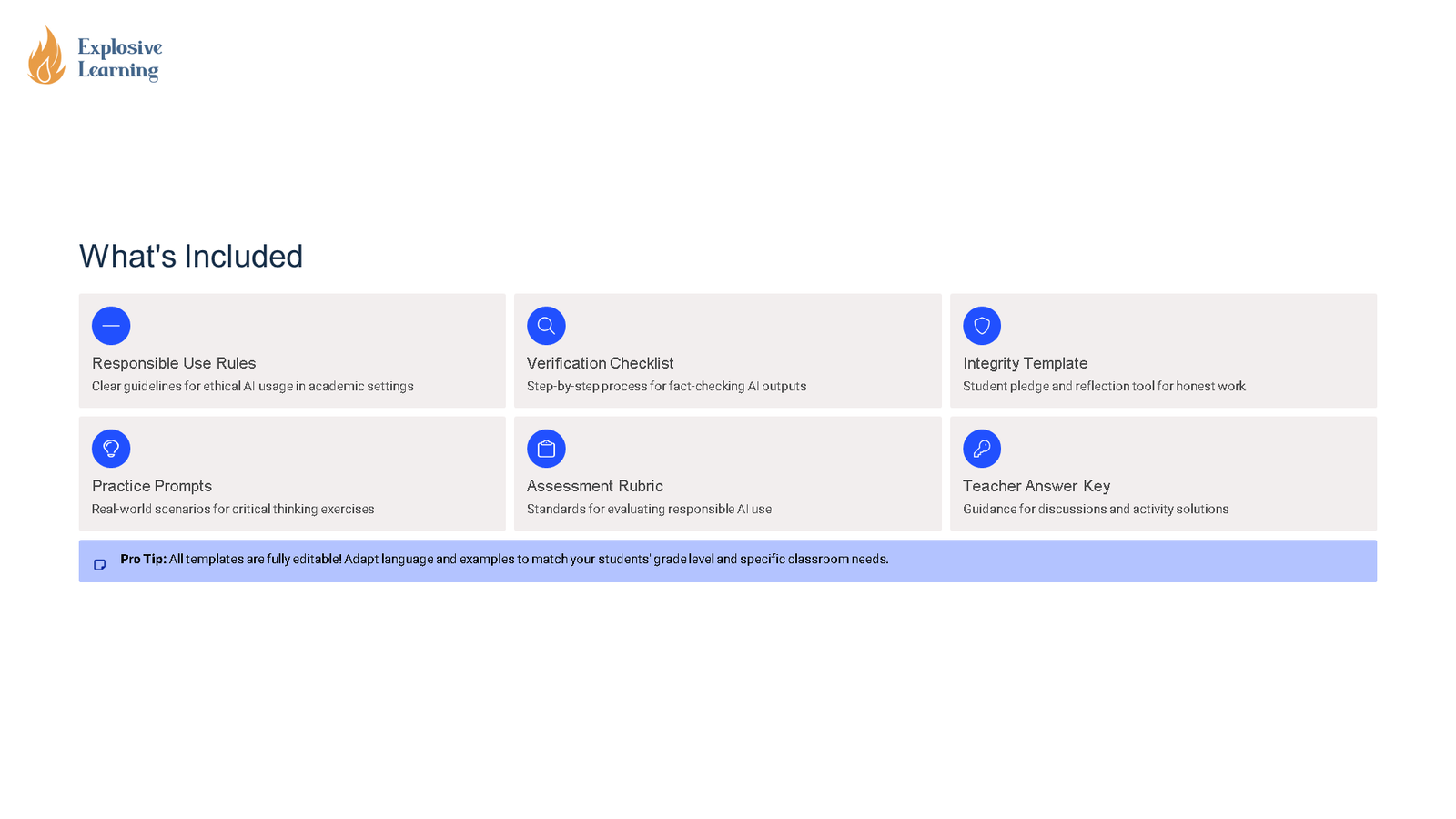
– editable digital literacy lesson slides
– discussion prompts, examples, and applied reflection tasks
– student-friendly explanations of tools, systems, or risks
– teacher guidance for pacing and discussion
– ready-to-use PPTX slides for technology-focused teaching
Teacher Directions (Print This, Use Like This):
1. Open the PPTX and skim the teaching notes or slide sequence before teaching.
2. Teach the full deck in one session or split it into shorter mini-lessons.
3. Use the discussion prompts for partner talk, group work, or written reflection.
4. Print any response slides if you want paper evidence, or assign digitally.
5. Use student responses as a quick formative check to guide next steps.
Assessment:
– Reflection or exit task: Students explain what they learned about AI and Misinformation Toolkit Essential resources for teaching and use evidence from the lesson to support their thinking.
– Success criteria: Students can use key vocabulary accurately, explain core ideas, and justify responses with relevant detail.
Differentiation & accommodations:
– vocabulary support through clear definitions, examples, and visuals
– choice of response format, including discussion, short answers, or full sentences
– sentence stems and scaffolded prompts for EAL/SEND support
– extension opportunities through research, comparison, or applied examples
All PPTXs are fully editable where it matters.
(Please note: AI was utilised to create custom, relevant, and realistic images featured in these presentations.)
You must log in and be a buyer of this download to submit a review.